










-
Which internal components are required to build a PC?
To build a fully functional computer, you need a core set of essential computer internal components. This includes a central processing unit (CPU), a compatible motherboard, system memory (RAM), a graphics card (unless your CPU has integrated graphics), an internal storage device like an SSD, a reliable power supply unit (PSU), and a cooling system to keep your processor safe. -
What is the role of a motherboard in a computer?
The motherboard acts as the main physical foundation and communication hub for your entire computer system. It distributes power from your power supply to all your hardware and allows your processor, RAM, storage drives, and graphics card to communicate at incredibly fast speeds, ensuring your computer operates as a single, unified machine. -
How much RAM do I need for gaming and multitasking?
For an optimal modern computing experience, 16GB of RAM is considered the ideal baseline standard for everyday productivity and mainstream gaming. However, if you are building a high-end gaming PC upgrade, editing large 4K video files, or running virtual development machines, upgrading to 32GB of high-speed DDR5 RAM ensures your system has plenty of headroom to handle heavy multitasking without slowing down. -
How can I improve PC performance with internal upgrades?
The fastest way to boost an ageing computers performance is to identify and replace its slowest components. Upgrading an old mechanical drive to a high-speed internal solid-state drive provides an immediate boost to your boot times, while adding more RAM prevents your system from stuttering when multiple programs are open. If your games are lagging, installing a fresh graphics card will instantly lift your frame rates. -
What should I consider when choosing a power supply?
When shopping for a desktop power supply unit, you need to focus on total wattage capacity, build quality, and efficiency ratings. Choose a power supply that comfortably handles the combined power draw of your CPU and GPU, and look for an "80 Plus" efficiency certification (such as Bronze, Gold, or Platinum) to ensure it runs cool, saves energy, and delivers stable power to your parts. -
Can I replace internal computer components myself?
Yes, replacing or upgrading internal computer hardware is a straightforward task you can easily do at home with a few basic tools, like a Phillips screwdriver. By following your component manuals closely, working slowly on a clean surface, and making sure your PC is completely unplugged from the wall, you can successfully upgrade your systems capabilities yourself.
- Home Page /
- Electronics /
- Computer & Tablets /
- Computer Components /
- Computer Internal Components
Delivery
Delivery time may vary depending on store and country. To learn more about Shipping Policy
Price Range
SLE
-
Shop Category
Shop Computer Internal Components Online in Sierra Leone
Sort by
|





US Store
Detroit Axle - 14pc Front End Suspension Kit For Hyundai Tucson Kia Sportage 2 ...
SLE 5385253


US Store
Launch Creader Elite 3.0 Bidirectional Scan Tool fit for Toyota/Lexus, 2026 Full ...
SLE 5441898

US Store
Pure Sine Wave Inverter Dc 12V 24V 48V 60V 72V To Ac 110V 220V Solar Inverter ...
SLE 3271603
US Store
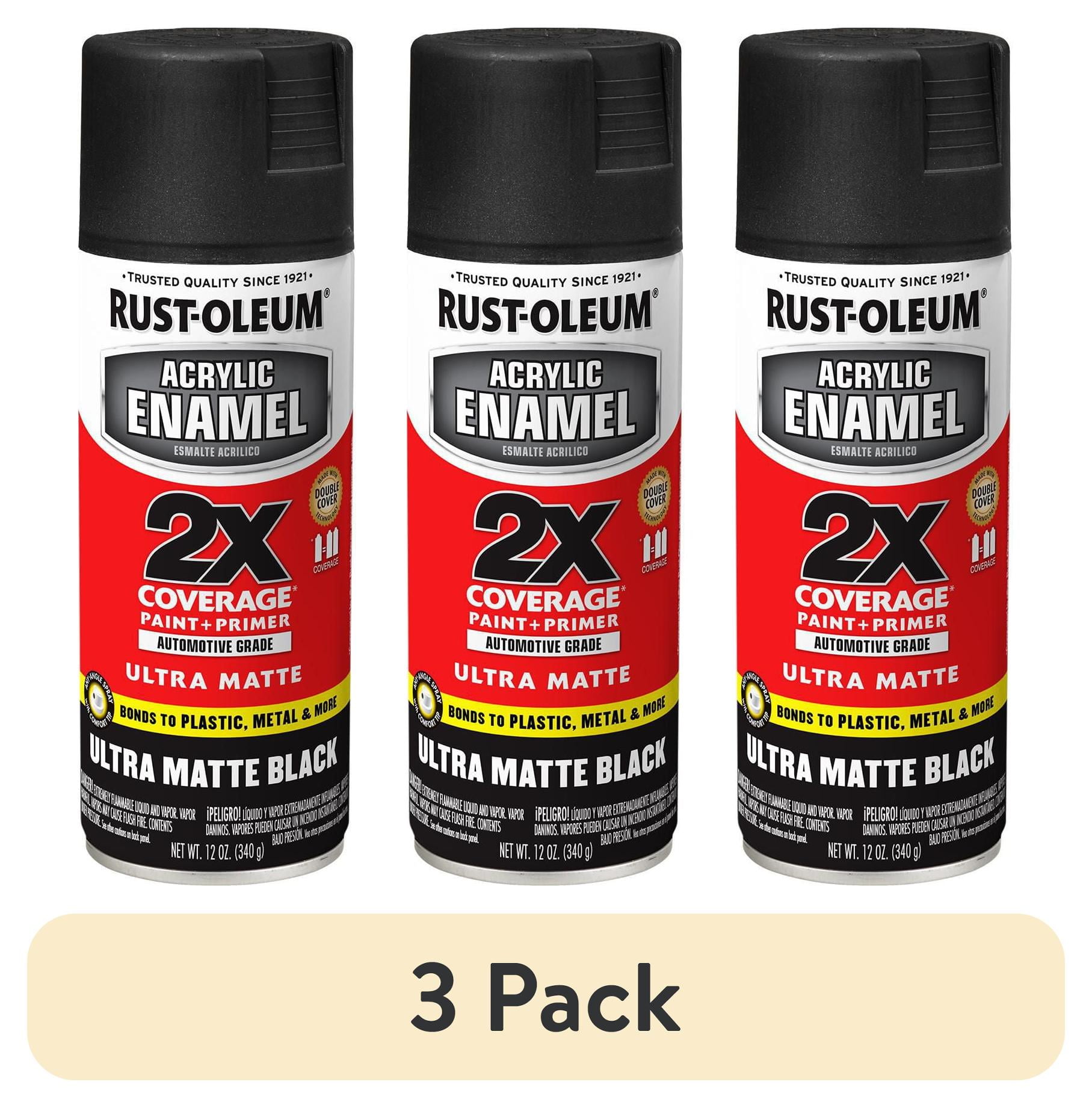
(3 pack) Rust-Oleum 372699 Automotive Ultra Cover 2X Black Matte, 1 Piece 1 Pack
SLE 1040344

US Store
Rust-Oleum 376870-6PK Stops Rust Custom Spray 5-in-1 Spray Paint, 12 Oz, Satin ...
SLE 1834884
